
Menu Maker
Create a clean, readable menu in minutes. Type your sections and dishes — name, description, price and dietary tags — pick a style and layout, and the menu is set in the page with consistent spacing, aligned prices and a dietary key. Print it for the table, save it as a PDF for your website, or make a one-page menu for a wedding or dinner party.
- Free to use
- No sign-up
- Runs in your browser
Menu maker
Menu Template Pack
Editable Word menu templates (restaurant, café, bar, wedding, dinner party, kids’ menu), a menu costing workbook with food-cost percentages and a table tent template.
- Restaurant menu (DOCX)
- Café menu (DOCX)
- Bar menu (DOCX)
- Wedding menu (DOCX)
- Kids’ menu (DOCX)
- Menu costing (XLSX)
- Table tent (PDF)
Formats: DOCX, PDF, XLSX. Instant download after payment (link valid 72 hours, up to 5 downloads). AI-assisted: the templates were drafted with AI help and reviewed and laid out before publishing.
$5.00 USD, one-time 7 files · about $0.71 each
- Instant download
- 7-day refund
- Secure checkout by Stripe
7-day money-back guarantee. Full refund within 7 days of purchase, even after you download.
Free sample: Bar Menu (PDF, 69 KB)
Full refund within 7 days — see the refund policy and license.
New · 3 files · PDF
Christmas Dinner Table Printables
Illustrated Christmas dinner printables: tent place cards in two designs, a menu card to fill in and table numbers 1-12 in a watercolor wreath.
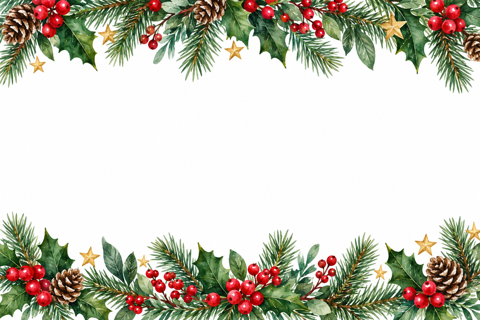
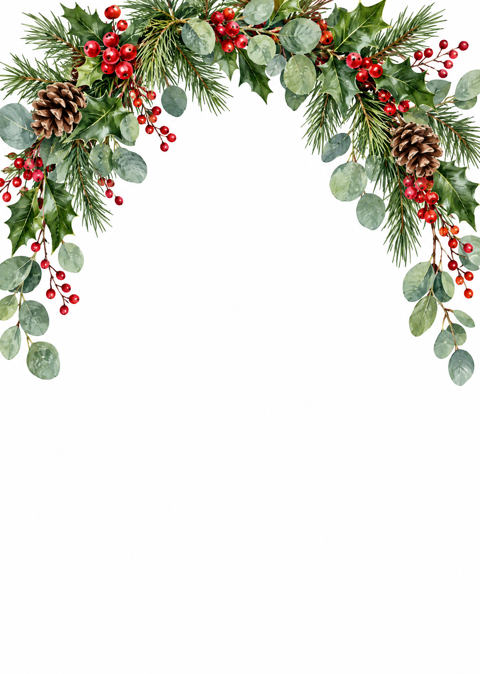
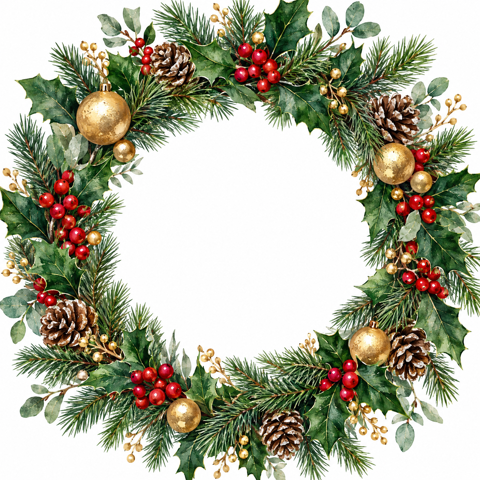

- 2 place card designs, 4 per page (PDF)
- Christmas dinner menu card, 5x7, two per page (PDF)
- Table numbers 1-12 (PDF)
$6.00 USD, one-time 3 files · about $2.00 each
- Instant download
- 7-day refund
- Secure checkout by Stripe
7-day money-back guarantee. Full refund within 7 days of purchase, even after you download.
Artwork created with AI image tools, then selected and laid out for print.
Free printables
Single sheets you can print right now, no sign-up. The full pack adds every sheet in one download plus the editable files.
 Printable Restaurant Menu Template1 page · free PDF
 Printable Café Menu Template2 pages · free PDF
 Printable Bar Menu Template2 pages · free PDF
 Printable Wedding Menu Template1 page · free PDF
 Printable Kids Menu Template2 pages · free PDF
 Printable Menu Costing Sheet2 pages · free PDF
 Printable Table Tent Template1 page · free PDF
 Warm white LED string lights
 Place card holders
 Christmas table runner
 Flameless candles with timer
 Christmas window clings
 Halloween table decor
What makes a menu easy to read
| Principle | How the menu maker helps |
|---|---|
| Clear sections | Starters, mains, desserts and drinks in a logical order |
| Short descriptions | One line of key ingredients under each dish name |
| Aligned prices | Dotted leaders guide the eye from dish to price |
| Consistent type | One typeface family per style, with sizes set for hierarchy |
| Dietary labels | Short tags with a key at the bottom |
| White space | Generous margins and spacing so dishes don’t crowd |
How to use the menu maker
- Enter the name and a short subtitle.
- Type sections as lines starting with #, and dishes as name | description | price | tags.
- Choose a style: classic serif, modern sans-serif, rustic dark “chalkboard” or elegant for events.
- Pick one or two columns.
- Set the currency symbol or hide prices for an event menu.
- Add a footer for allergy and service notes, then print or download the HTML.
Dietary tags
| Tag | Meaning |
|---|---|
| V | Vegetarian |
| VG | Vegan |
| GF | Gluten-free |
| N | Contains nuts |
| S | Spicy |
Only tags you use appear in the key. Many countries require allergen information to be available to customers — for example, the 14 major allergens in the UK and EU, and the major food allergens in the US. The menu maker helps you display labels, but you remain responsible for accurate information; include a line inviting guests to ask about allergies.
Menu writing tips
- Lead with the ingredient guests care about: “Slow-roasted lamb shoulder” beats “Lamb”.
- Keep descriptions to about 5–10 words.
- Avoid long lists of dishes — a focused menu is easier to choose from and to cook.
- Place signature dishes at the top or the right-hand column, where eyes land first.
- Drop the currency symbol for a more relaxed feel, or keep it for clarity.
- Proofread carefully — spelling mistakes stand out on a printed menu.
Event and wedding menus
For weddings, dinner parties and set menus, hide the prices, use the elegant style and a single column, and list the courses as sections: “To start”, “Main course”, “Dessert”. Add the couple’s names and the date as the title and subtitle. Print one per place setting on card stock, or one per table in a stand.
Worked example
A small restaurant enters three sections with eight dishes, chooses the classic style in two columns with dollar prices, and adds an allergy note. The menu fits on one Letter or A4 page with a dietary key showing V, GF and N. For a private party they duplicate it, hide prices, switch to the elegant style and one column, and print it on card.
Pricing psychology
- Removing currency symbols and trailing zeros (14 rather than $14.00) makes prices feel less prominent.
- Avoid lining prices up in a single column, which invites price comparison; the dotted leaders keep prices with their dish.
- Put one higher-priced “anchor” dish near the top of a section to make other prices feel reasonable.
- Describe provenance and cooking method rather than using vague adjectives.
- Keep the number of choices manageable — around 6–8 per section.
Menu layout checklist
| Check | Why |
|---|---|
| Name and contact details visible | Guests take menus home or photograph them |
| Sections in eating order | Starters, mains, sides, desserts, drinks |
| Consistent price format | Looks professional |
| Dietary key present | Helps guests with dietary needs |
| Allergy statement | Invites guests to ask staff |
| Service charge and tax notes | Avoids surprises on the bill |
| Date or season | Helps you retire old menus |
Digital menus and QR codes
Many venues now also publish menus online or behind a QR code on the table. The downloaded HTML file can be uploaded to your website as a lightweight, mobile-friendly menu page, and the printed version remains available for guests who prefer paper. Keep both versions in sync whenever dishes or prices change.
Menus for cafés and bars
Café and bar menus are read quickly at a counter, so keep them to one page with big section headings. List drinks by type — espresso-based, tea, cold drinks — and put sizes in the description (“regular / large”). For cocktails, list the spirit first and two or three key flavours. A small “ask about today’s specials” line saves reprinting for daily changes.
Printing
Print on heavier paper or card (160–250 gsm) for durability. Turn on “Background graphics” for the rustic dark style. For a folded menu, print two copies on a landscape page or create separate food and drinks menus. The downloaded HTML file can be opened in any browser and printed later, or uploaded to your website.
Privacy
The menu maker runs in your browser; nothing is uploaded.
Frequently asked questions
How do I make a menu?
Type sections and dishes in the box, choose a style and print.
Can I hide prices?
Yes, untick Show prices — useful for wedding and event menus.
What do V, VG and GF mean?
Vegetarian, vegan and gluten-free.
Can I use a different currency?
Yes, type any symbol, such as £, € or ¥.
Can I save the menu?
Print to PDF or download the HTML file.
How many dishes should a menu have?
Around 6–8 per section keeps choice easy; smaller menus are easier to cook consistently.
Can I make a drinks menu?
Yes, use sections such as Wine, Beer and Soft drinks.
Should I use one or two columns?
Two columns suit longer menus on landscape or large paper; one column works well for short, elegant event menus.
Is anything uploaded?
No, it runs in your browser.